ENTERPRISE AI TRAINING
AI for Everyone
For product, ops, HR, sales, analysts
A one-day workshop for the people who actually do the work — product, analysts, HR, ops, sales, support. We install AI the way your company already works: one workspace per real workstream, context loaded once, shared across the team, used every day. Pick the ecosystem you already run on — Claude or Gemini. You'll walk out with a quantified Impact score on your team's real workflows — and a Risk score with verification and skill-retention drills running.
The same task. Two workflows.
AI as a chatbot
BaselineFresh chat → paste brief → paste spreadsheet → paste style guide → ask question → reasonable draft → close tab. Tomorrow: start over. Your teammate can't see any of it.
AI in your project workspace
Typical lift: 50–90%Brief, spreadsheet, style guide, plus connectors to your stack — loaded once. "Draft the Q2 update using the template." → AI already knows the template, the tone, the numbers, the audience. First draft is on-brand. Tomorrow: same workspace. Next week: your teammate opens it and picks up where you stopped.
Chats are transient. Workspaces are how your company actually works.
WHAT WE MOVE FOR YOUR TEAM
This workshop's Impact and Risk axes.
Quantified at workshop end and verified at 30 days, on KPIs you already track.
Impact axes
Quantified — your score moves on each.
Efficiency ↑
On docs, decks, comms, analysis, hiring, ops, finance — heavy admin workflows automated out of every employee's day.
Friction ↓
Tab-switching, paste-the-context, re-explain-the-tone — gone. Workspaces remember what your team already taught the AI.
Features shipped ↑
Same headcount, more outputs per quarter — measured against a pre-training baseline on a flagship project.
Risk axes
Managed throughout — verification + drills.
Hallucination ↓
Verification plugins inside every workflow catch fabricated content before it leaves your team.
Cognitive atrophy ↓
Skill-retention drills keep judgement in your people, not in the model. Quarterly drills your team can re-run.
PICK YOUR STACK
Which ecosystem are you on?
Apps you’ll use
- Gemini in Gmail
- Gemini in Docs
- Gemini in Sheets
- Gemini in Slides
- NotebookLM
Integrations
- Google Workspace (Gmail, Drive, Docs, Sheets, Meet)
- Calendar
- Asana / Slack via Workspace
- AppSheet for custom workflows
A day in the life
Before: Priya, a marketing manager, drafts the weekly customer update by switching between five tabs — Drive folders, last week's doc, the campaign sheet, Slack threads, the customer email. Half the morning is context-gathering.
After: Priya opens the doc with the brief. 'Help me write this week's update from the Q2 campaign sheet and last week's doc.' Gemini pulls from connected Drive, drafts in her tone, surfaces the right metrics. She edits, doesn't compose. Half the morning back.
WHAT YOU’LL TAKE HOME
- A workspace per workstream — context loaded once, shared
- Team drafting and review patterns that survive turnover
- AI on local files — briefs, specs, contracts
- One reusable custom workflow for a repeat task
- A surface-selection matrix — chat, workspace, co-work, code
Take home: a workspace template, a custom workflow, a surface-selection cheatsheet.
WHO TEACHES THIS
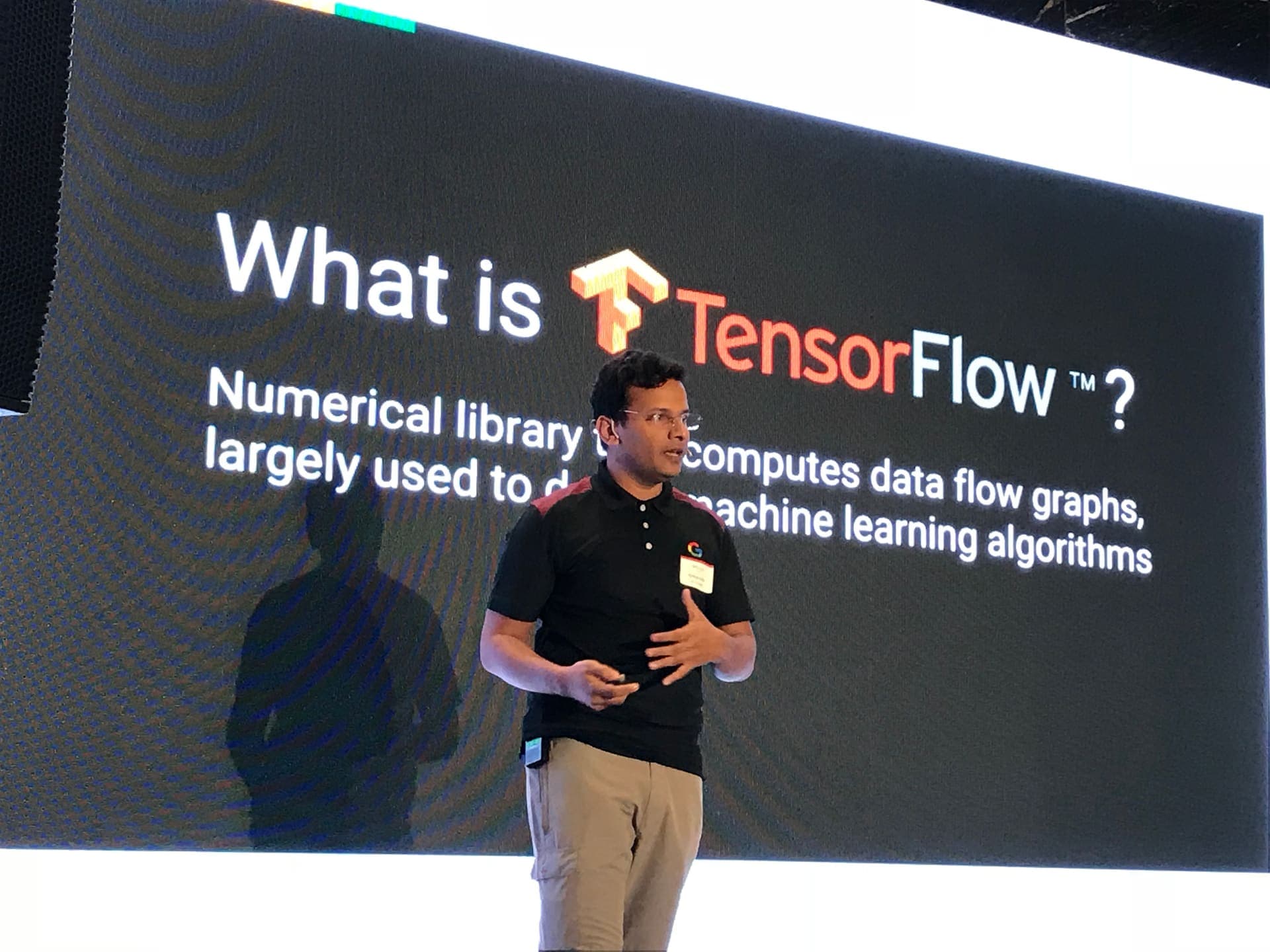
Ajinkya Kolhe
CTO
11 years in AI — from Google Cloud to IIT Bombay to Morgan Stanley. 300,000+ developers across 7+ countries. Built the SIRA risk framework and the live Pulse dashboard. 2x TedX Speaker.
On-site or remote. Up to 20 attendees. Private team bookings; public cohorts on request. Duration scoped per engagement.
Mail ajinkya.kolhe@purnamedha.ai for team details.
Request dates for your team